⚙️ Settings
The settings section of the software is quite diverse and will be continuously updated with more personalization options as features expand.
General Program Settings
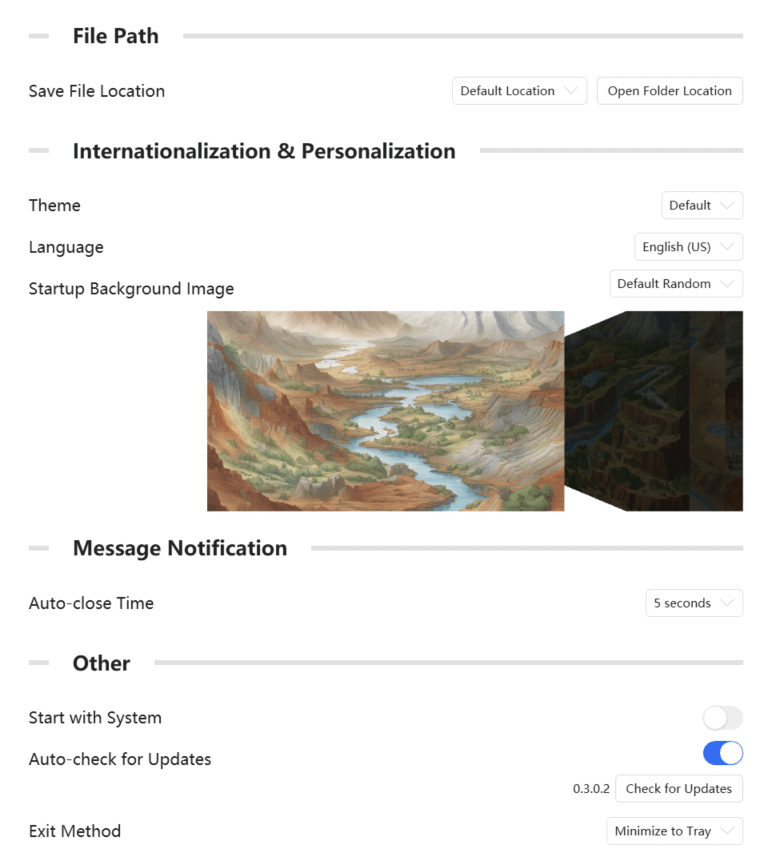
Settings are mainly divided into four parts: File Paths, Internationalization & Personalization, Message Notifications, and Others. Below is a brief description of the main settings:
📁 File Paths
- Save File Location: Sets the default file save location. This path will be used when saving exported plot images or exporting geothermometer-related calculations to the default save folder. Of course, after setting this, you can still manually specify a different path when saving.
🌍 Internationalization & Personalization
- Theme: The theme of the software interface, including light and dark modes.
- Language: Currently supports English (US) and Simplified Chinese.
- Startup Background Image: The background image displayed when the software starts.
Regarding the Theme function, as we are in the early stages of development, Dark Mode has some UI compatibility issues; therefore, this mode will be hidden in the official version.
For language support, if you wish to help provide localization support for your country, we warmly welcome you to participate in translation!
More startup image styles will be added in future updates.
🗨️ Message Notifications
- Auto-close Duration: The duration for which message notification pop-ups automatically close during software operation. Please note that error and warning messages need to be closed manually.
⚙️ Others
- Start with System: The software will start automatically when the system boots.
- Auto Check for Updates: The software will automatically check for updates upon startup; however, due to server issues, this function is temporarily disabled and will be restored in a future version.
- Exit Method: The software can be exited in two ways: Direct Exit or Minimize to System Tray. If you choose to minimize to the tray, you can right-click the tray icon and select Exit to close the software.
Plotting Module Settings
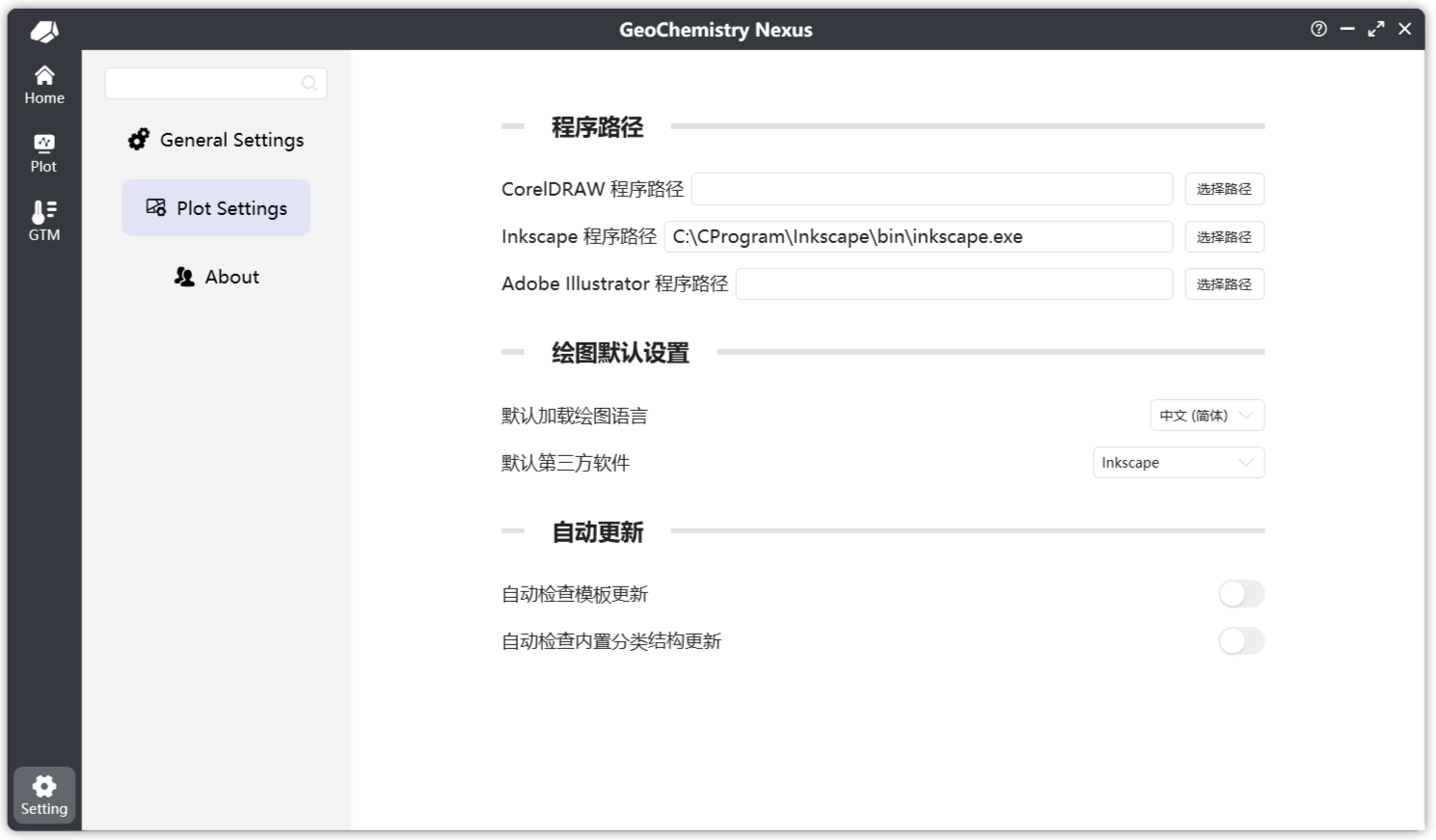
The plotting module settings specifically address functions within the plotting module, including but not limited to:
- Third-party program path configuration
- Default third-party programs
- Default loading language for diagrams
- Automatic updates for diagram templates and classification structures
About
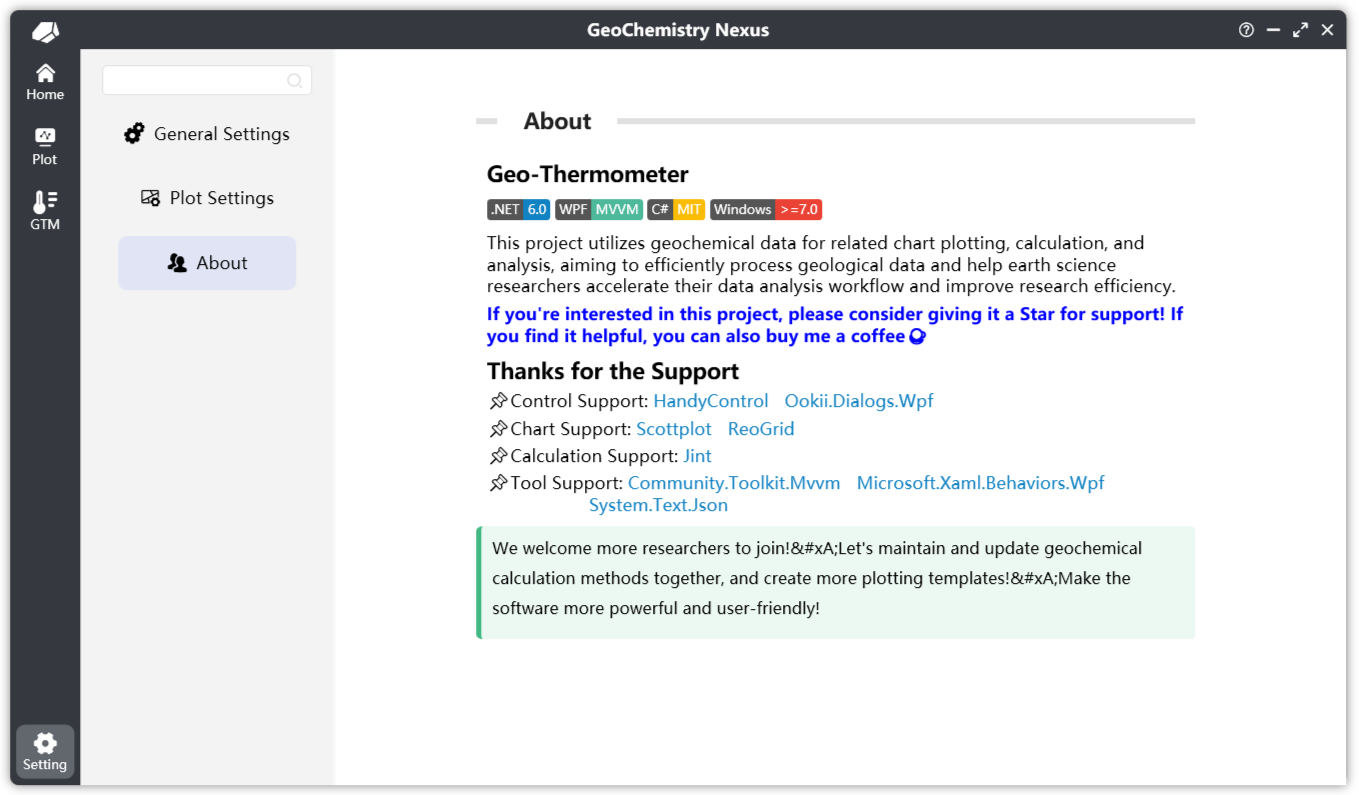
The About page of the program.