🌍 Introduction
Note: We have officially renamed the software from Geo-Thermometer to GeoChemistry Nexus. Let's get started with GeoChemistry Nexus in 5 minutes ⏱️.
Prerequisites 🛠️
Before you begin, please follow these steps:
- Select Download Option 🌐:
You can obtain the required content in one of the following ways:
- Manual Installation: Visit the .NET 6 Official Download Page (Click Here) directly and select the appropriate installer for your operating system version.
- Follow Prompts: During software execution, follow the system prompts to automatically jump to the download page to complete the framework installation.
- No Manual Configuration Required: Choose the standalone package we provide (no additional runtime framework installation needed).
- Determine Operating System Type 💻:
- For Windows systems, please first determine whether your operating system is
32-bitor64-bit, and select the corresponding version to install.
- For Windows systems, please first determine whether your operating system is
Windows Users: Please ensure your operating system version is at least Windows 7.
Getting Started 🚀
Click here to visit the download page. Select the appropriate version, download, and unzip it. Then, double-click to run GeoChemistry Nexus.exe 🖱️.
Package Naming Convention 📦:
Package naming follows this format: SoftwareName_Abbreviation_Version_Dependency_OS_Architecture
- If the name contains
d, it indicates that the software depends on the .NET 6 SDK, which needs to be installed separately. 🔍 - If
dis missing, the software already includes necessary components and requires no further installation. ✅
Note for Linux and Mac Users 🐧🍏:
Currently, there are no detailed instructions for Linux and Mac. It is recommended to prioritize using a virtual machine to run the program. We plan to migrate to Avalonia in the future to achieve full cross-platform compatibility. 📅
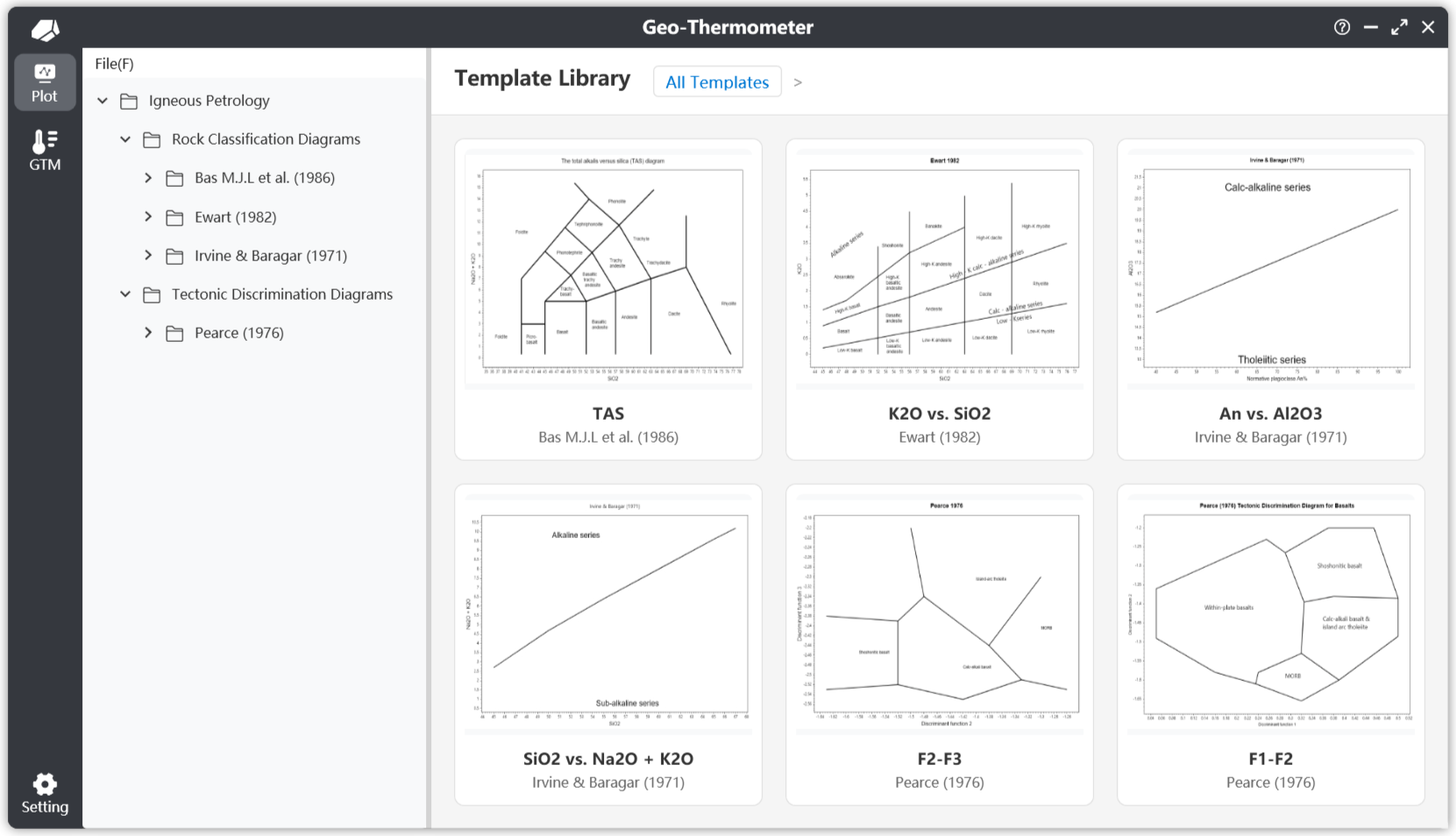
Happy exploring! 🎉 If you have questions, please join our community or submit an issue on GitHub.